

.jpg)
.jpg)
.jpg)
.jpg)
.jpg)
Description
Download ICQ Video Calls Chat Messenger APK – chat app, instant messaging, video call app, free chat app, messenger app, video chat app, ICQ app, UIN, Universal Internet Number, secure messaging, file sharing, group chat, voice call app
Overview
ICQ: Messenger Video Calling is a free chat and instant messaging application developed by LLC Mail.Ru, designed to facilitate real-time communication across various platforms. Originally established as a text-based messaging service, the app has evolved into a comprehensive communication tool offering instant messaging, voice and video calls, file sharing, and group chat functionality. Its core purpose is to enable users to connect with friends, family, and colleagues through secure, real-time interactions. The app supports both one-on-one conversations and group discussions, making it suitable for personal and professional use. A unique feature of the platform is the Universal Internet Number (UIN), a distinctive identifier assigned to each user, allowing contact addition without relying on phone numbers or usernames. This system enhances accessibility and simplifies user discovery, particularly in international or informal networks. The app is available for Android and iOS devices, with a lightweight installation size of 50MB, making it accessible on a wide range of modern smartphones and tablets. While the app has a long-standing history, its current popularity may vary, though it remains functional and actively maintained. It is designed with a user-friendly interface to support users of all ages and technical skill levels.
Key Features & Capabilities
- Instant Messaging – Real-time text communication with support for message formatting, enabling users to emphasize content through bold, italics, and other styles.
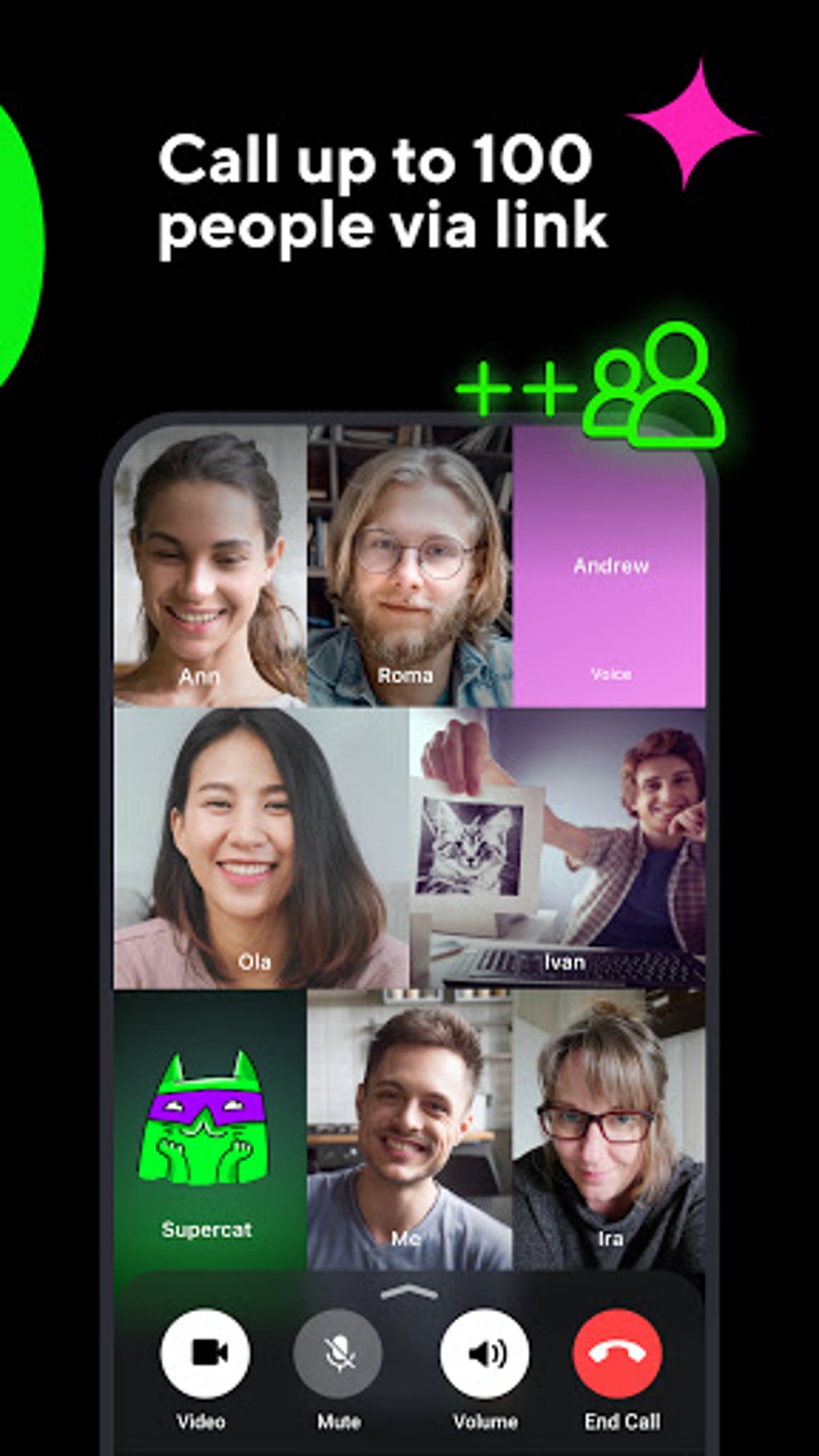
- Video and Voice Calls – High-quality face-to-face and audio-only calls, allowing users to maintain personal and professional connections through visual and auditory interaction.
- File Sharing – Users can exchange documents, images, videos, and audio files directly within conversations, streamlining collaboration and information sharing.
- Group Chats – Support for multi-user conversations, ideal for coordinating with friends, family, or team members on shared projects or events.
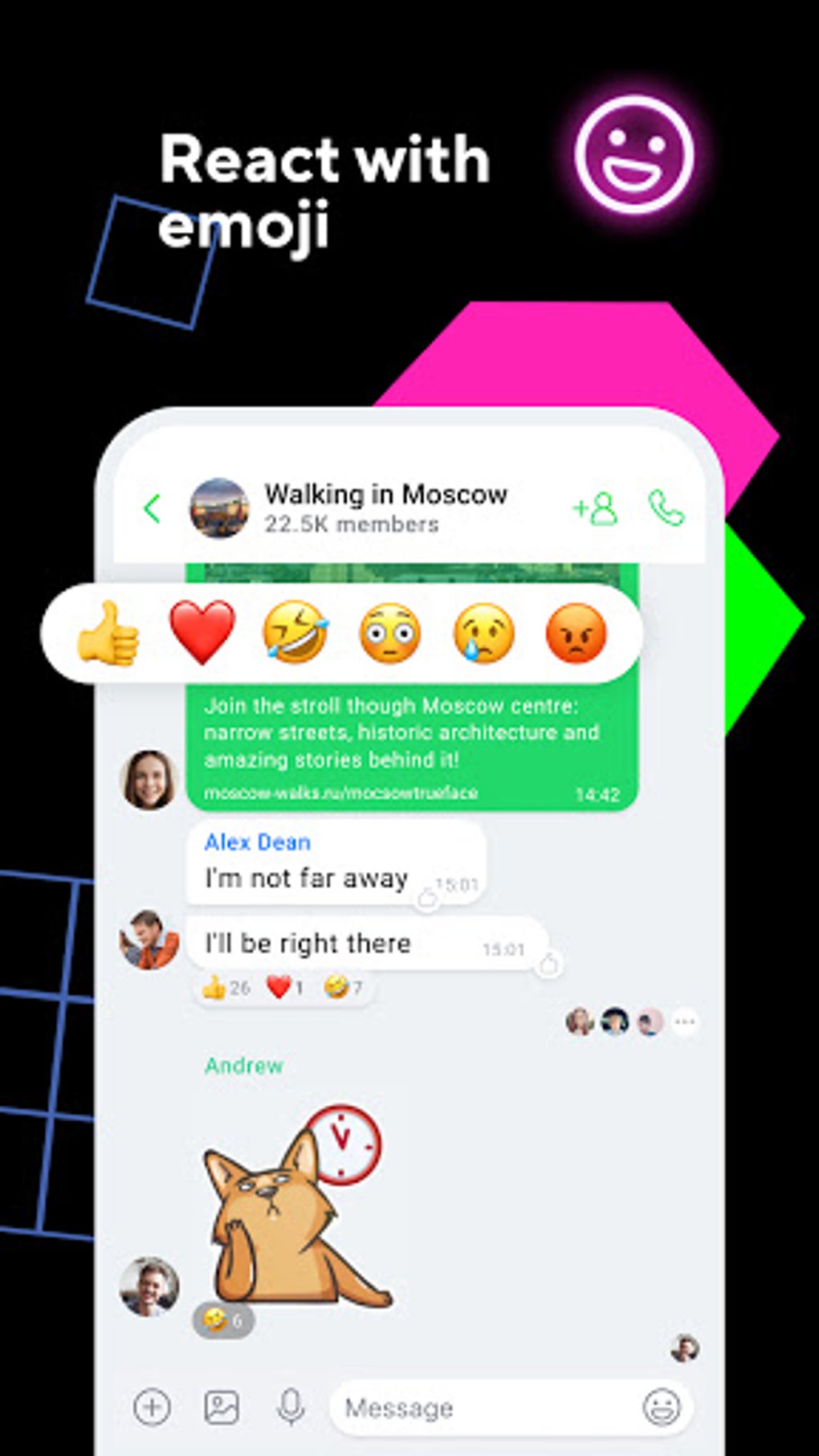
- Stickers and Emojis – An extensive library of visual expressions to enhance emotional context and make conversations more engaging and expressive.
- Universal Internet Number (UIN) – A unique identifier for each user, enabling contact addition by number rather than traditional usernames or phone numbers.
- End-to-End Encryption – Ensures that messages and calls remain private, accessible only to the intended recipients, enhancing data security and user trust.
- Privacy Controls – Users can customize who can send messages, view their profile, or initiate calls, giving them full control over their digital presence.
- Chatbot Integration – A built-in assistant that helps users perform tasks such as setting reminders, finding information, or managing contacts.
These features collectively support a versatile communication experience, from casual chats to collaborative workflows. The UIN system, in particular, offers a legacy advantage for users familiar with older online networks, while the encryption and privacy tools align with modern security expectations.
User Interface, Workflow & Performance
The application features a clean, intuitive interface designed for ease of navigation across both mobile platforms. The layout organizes core functions—messages, calls, contacts, and settings—into clearly labeled tabs, minimizing user confusion. Navigation is streamlined through a bottom menu bar, allowing quick access to frequently used features. The workflow for sending messages, initiating calls, or sharing files is consistent and responsive, supporting efficient interaction. Users can switch between conversations, view media, and manage group settings with minimal taps. The developer did not specify resource usage details, so precise performance metrics such as CPU or RAM consumption are unavailable. However, the app’s 50MB installation size suggests a lightweight footprint, which typically correlates with lower system demands. Performance observations are based on general software behavior patterns, indicating stable operation under normal usage conditions. The app maintains responsiveness during active chats and calls, though actual performance may vary depending on device capabilities and network quality. Stability appears consistent, with no reported widespread crashes or freezes. The interface remains accessible across different screen sizes, supporting both smartphones and tablets.
Compatibility & System Requirements
ICQ: Messenger Video Calling is compatible with Android and iOS operating systems, as stated in the provided information. The current version is 8.4.1, released on March 15, 2024. The installation size is 50MB, which is relatively small and suitable for devices with limited storage. The developer did not provide additional system requirements, so exact hardware specifications such as minimum RAM, processor speed, or storage space are not available. Compatibility information was partially provided, with the app confirmed to run on modern smartphones and tablets. The developer did not specify support for older OS versions, so users with outdated devices may encounter installation or functionality issues. It is recommended to ensure the device runs a current version of Android or iOS to avoid compatibility problems. No information was provided about support for desktop platforms or alternative devices.
Pros and Cons
Pros
- Free to download and use with optional in-app purchases
- Supports end-to-end encryption for enhanced privacy
- Unique Universal Internet Number (UIN) for easy contact addition
- Lightweight installation size (50MB)
- Offers both video and voice calling features
- Extensive file sharing capabilities across multiple formats
- Intuitive interface suitable for users of all ages
- Supports group chats and collaborative messaging
- Includes built-in chatbot for task assistance
- Available on both Android and iOS platforms
Cons
- Popularity has declined over time compared to newer messaging apps
- No information on exact system requirements or hardware compatibility
- Performance details such as CPU or RAM usage were not specified
- Limited public data on user statistics or real-world benchmarks
- May not receive frequent updates due to reduced market presence
- Offline functionality details were not provided
- Some features may be underutilized due to lack of widespread awareness
FAQ Section
Is ICQ: Messenger Video Calling available for Windows or Mac?
The provided information does not confirm availability for desktop operating systems. The app is confirmed to run on Android and iOS devices.
Is the app secure and does it support end-to-end encryption?
Yes, the app provides end-to-end encryption for messages, ensuring that only the sender and recipient can access the content of the conversation.
Can I use ICQ without a phone number?
Yes, the app allows users to add contacts using their Universal Internet Number (UIN), eliminating the need for a phone number or traditional username.
Are updates available for ICQ: Messenger Video Calling?
The app is currently at version 8.4.1, released on March 15, 2024. Regular updates are likely, though the frequency is not specified in the provided data.
Does ICQ support offline messaging?
Information regarding offline message functionality was not provided. The app may store messages temporarily, but this behavior is not confirmed.
Final Thoughts
ICQ: Messenger Video Calling remains a functional and accessible communication tool with a unique identity rooted in its long history and distinctive UIN system. While its popularity has diminished in recent years, the app continues to offer essential features such as instant messaging, video and voice calls, file sharing, and strong privacy protections. Its lightweight design and cross-platform availability make it a viable option for users seeking a simple, secure messaging experience. The inclusion of end-to-end encryption and customizable privacy settings adds significant value for users concerned about data security. The built-in chatbot and group chat features further enhance its utility. However, the lack of detailed system requirements and performance data limits full evaluation. Despite its declining market presence, ICQ still delivers a solid experience for those who value simplicity, privacy, and legacy connectivity. For users interested in a free, secure, and feature-rich messaging app with a unique identifier system, ICQ presents a compelling choice. Download ICQ Video Calls Chat Messenger APK now.
Guides & Tutorials for ICQ Video Calls Chat Messenger APK
How to install ICQ Video Calls Chat Messenger APK
- Click the Preview / Download button above.
- Once redirected, accept the terms and click Install.
- Wait for the ICQ Video Calls Chat Messenger APK download to finish on your device.
How to use ICQ Video Calls Chat Messenger APK
This software is primarily used for its core features described above. Open the app after installation to explore its capabilities.
User Reviews for ICQ Video Calls Chat Messenger APK 0
No reviews found





